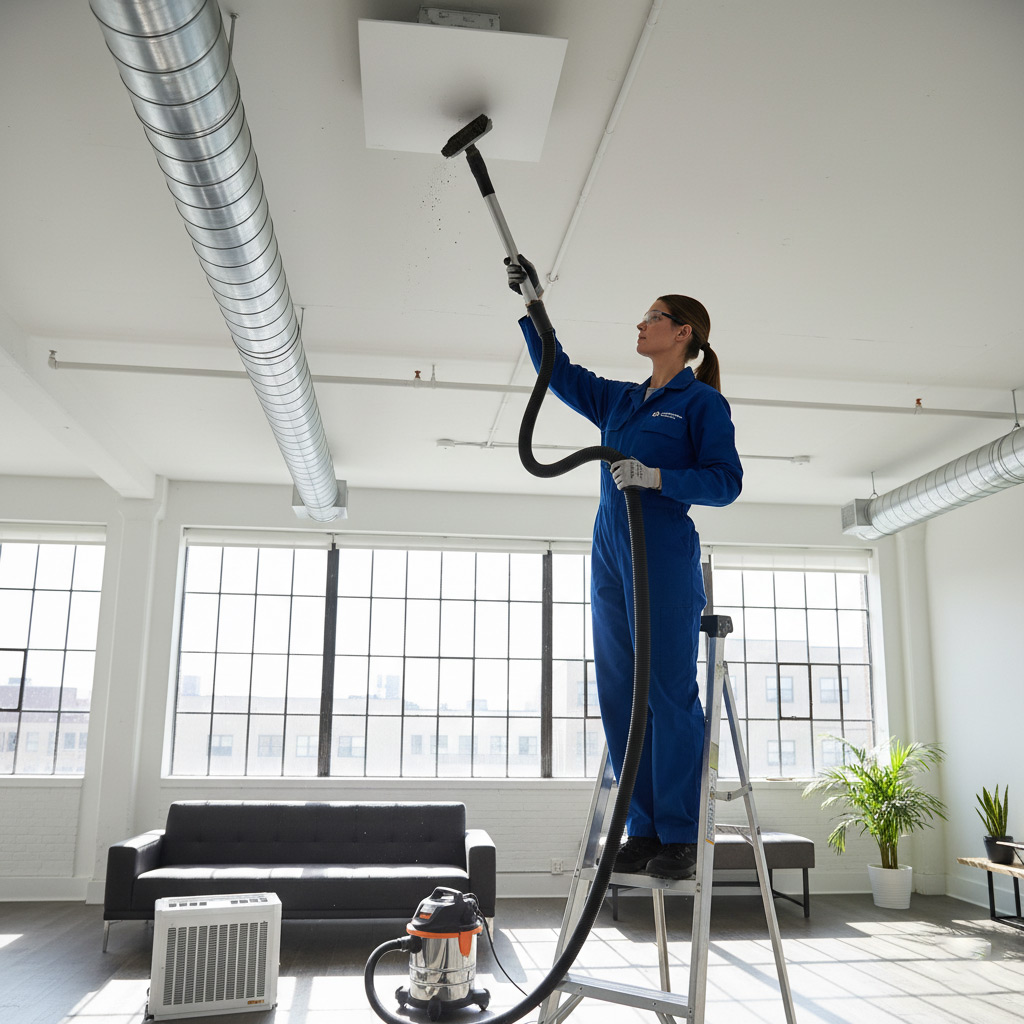
Ever watched your thermostat act like a roulette wheel and thought, “Not today, buddy”? The moment the house goes from Arctic to sauna in five minutes, most folks scramble for the phone, but there’s a smarter first move.
Before you dial a technician, check the basics: is the filter clogged, is the breaker tripped, or has a loose vent gone rogue? Those quick fixes can often stop the drama before a pro even shows up.
Stick around and we’ll walk you through the exact steps that can save you time, money, and a cold night in Mobile, AL.

Recognize the Most Common HVAC Warning Signs Specific to Mobile, AL
Living in Mobile means battling heat, humidity, and occasional coastal breezes. Your system feels the strain faster than a unit up north, so the first clues are often subtle. When the house feels sticky before the thermostat even hits 78°F, it’s a red flag.
What to watch for
- Uneven temperatures between rooms – one side feels like a freezer, the other like a sauna.
- Frequent short‑cycling – the unit turns on and off every few minutes.
- Strange noises such as rattling, squealing, or a high‑pitched whine.
- Visible moisture on ducts or around the indoor unit.
- Higher than usual energy bills without a change in usage.
Spotting any of these signs early can save you a callout fee and a night without cooling. If you notice them, pause, take a quick look, and you might just fix the problem yourself before the pros arrive.
Inspect and Replace Your Air Filter: Step‑by‑Step Guide
Think of the air filter as the lungs of your HVAC system. When it chokes on dust, the whole unit works harder, the bill climbs, and you get that dreaded “no‑cool” feeling on a Mobile, AL summer afternoon. A clean filter restores breath and keeps the compressor from overheating.
Gather Your Tools
Before you yank anything out, have these items within arm’s reach:
- New filter – match the size printed on the old one (usually 16×20×1 in.)
- Phillips screwdriver – for units with a secured panel
- Disposable gloves – keep the grime off your hands
- Flashlight – a quick peek inside the housing never hurts
Swap It Out
Follow the simple rhythm below; you’ll be done before the next heat wave hits.
- Turn off the thermostat and shut off the breaker – safety first.
- Open the return grille or filter slot; most are a snap‑fit or held by two screws.
- Slide the old filter out. Note the arrow on the frame; it shows airflow direction.
- Insert the fresh filter, aligning the arrow with the airflow arrow on the unit.
- Close the grille, restore power, and set the thermostat back to “auto.”
Give the new filter a quick visual check – it should sit snug, no gaps. If you hear a whirring sound after you power up, you’ve done it right. Replace the filter every 30‑90 days, depending on pet hair, pollen season, and how often you run the system.
Verify Electrical Power: Breakers, Fuses, and Thermostat Wiring Checks
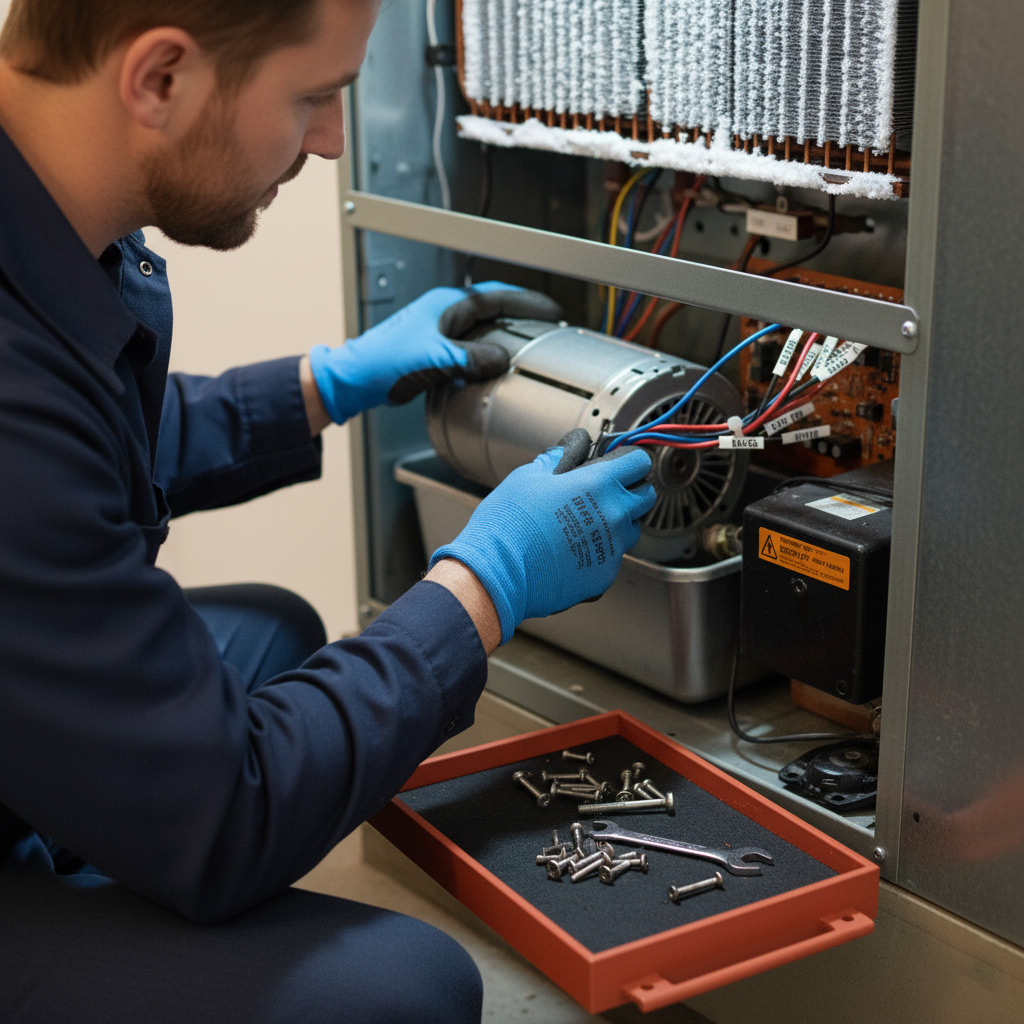
First stop: the breaker panel. Open the door, look for any switches that sit in the middle position or are clearly flipped to “off.” Resetting a tripped breaker is as simple as flipping it fully to “off” then back to “on.” If it trips again within a few minutes, you’ve got a deeper issue that needs a pro.
Fuse Box Quick Scan
Older homes in Mobile still run on fuses. Pull the cover and glance for any blown glass—those will look dark or have a broken filament. Replace a blown fuse with the exact amperage rating; using a higher rating is a fire hazard.
Thermostat Wiring – Do the Basics
Turn off power at the breaker before you touch any wires. Remove the thermostat cover and check that each wire is snug in its terminal. Look for corrosion, frayed ends, or loose connections.
- Red wire – 24V power from the transformer.
- White wire – heating signal.
- Yellow or orange – cooling signal.
- Green – fan control.
If any wire is out of place, reconnect it according to the color code, then snap the cover back on and restore power. A properly wired thermostat will often bring a dead system back to life without a technician’s visit.
Examine Vents, Ductwork, and Airflow Obstructions for Proper Distribution
First thing’s first – walk around every room and make sure each vent is open and unobstructed. A couch, a pile of laundry, or even a stray pet toy can choke the flow and make your system work harder than it should. Clear the path and you’ll feel the difference instantly.
Check for Blockages and Leaks
Next, give the ductwork a quick visual inspection. Look for obvious gaps, loose connections, or sagging sections that could be leaking conditioned air into the attic or crawl space.
- Loose metal clamps – tighten them with a screwdriver.
- Cracked flex duct – replace with a new piece of insulated duct.
- Dust buildup at bends – wipe it out with a vacuum brush.
Finally, balance the system by adjusting the dampers located inside the ducts. Slightly close the vent in a room that’s too warm and open the one that’s chilly. Small tweaks can restore even temperature throughout your Mobile, AL home without a single call to a tech.
Clean and Test the Condenser & Evaporator Coils for Optimal Performance
Why Clean Coils Matter
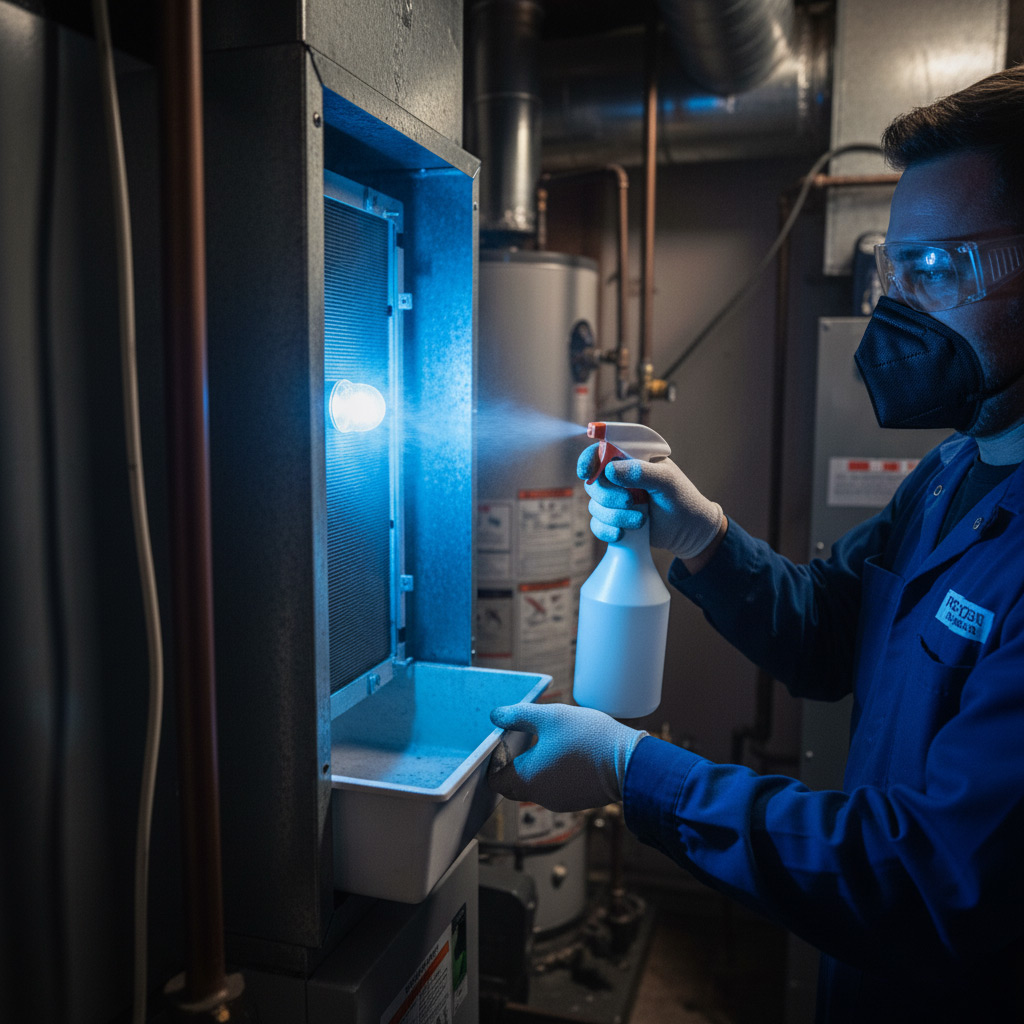
Dust and pollen love to settle on the copper tubes, turning your HVAC into a sluggish beast. When the coils are clogged, the system works harder, the bills climb, and you risk a freeze‑up in the middle of a Mobile summer night.
- Reduced airflow
- Ice formation on the evaporator
- Higher energy consumption
Step‑by‑Step Cleaning Process
First, shut off the breaker and disconnect the power—no shortcuts. Remove the service panels, then gently brush away loose debris with a soft‑bristle brush.
Spray a coil‑cleaning foam, let it sit for the recommended dwell time, and rinse with a garden hose on low pressure. Don’t forget to clean the condenser fan blades while you’re at it; they’re part of the airflow equation too.
Testing for Peak Performance
After everything dries, turn the power back on and set the thermostat to cooling mode. Use a thermometer to compare indoor and outdoor temps; you should see a 15‑20°F drop within 15 minutes.
- Listen for smooth fan operation
- Check for any abnormal noises
- Verify that the refrigerant lines are not frosted
Case Study: Resolving a Sudden HVAC Failure for a Mobile, AL Homeowner
The Situation
When the Johnson family noticed their living room turning into a furnace in under ten minutes, panic set in. Their 12‑year‑old central air unit shut down completely, leaving them without relief on a sweltering July afternoon. Before they could even think about calling a tech, they ran through the quick‑check list we recommend.
What We Did
Following the checklist saved them a $300 service call and got the system humming again within an hour. Here’s the rapid‑fire sequence they followed:
- Filter check: The filter was a brick‑red nightmare—replaced it with a new 1‑inch pleated filter.
- Breaker reset: The main HVAC breaker had tripped; a simple flip restored power.
- Thermostat wiring: Loose wire found, tightened with a screwdriver.
- Vent inspection: One supply vent was completely blocked by a fallen bookshelf; cleared the obstruction.
The Result
Within 45 minutes the unit blew cold air again, and the indoor temperature dropped from 92°F to a comfortable 74°F. The Johnsons learned that a few minutes of DIY troubleshooting can prevent an emergency and keep their wallet happy. They now keep a spare filter and a flashlight by the breaker panel—just in case.
Final Words
Keeping your HVAC system humming in Mobile, AL isn’t a once‑a‑year miracle; it’s a habit. Schedule a quick visual check every month and you’ll catch most gremlins before they turn your living room into a sauna.
Quick‑Hit Maintenance Checklist
- Swap the air filter if it looks darker than a midnight sky.
- Flip the breaker back on and listen for a steady hum.
- Pull back each vent cover; clear any debris or furniture blocking airflow.
- Wipe the outdoor condenser coils with a garden hose—no pressure washer needed.
When the basics don’t solve the problem, it’s time to bring in the pros. Our team knows the quirks of Mobile’s climate and can diagnose deeper issues fast. For more troubleshooting tips, swing by our HVAC Troubleshooting hub.
People Also Ask
What are the first signs my HVAC system needs service in Mobile, AL?
Common warning signs include reduced airflow, unusual noises, inconsistent temperatures, and a sudden spike in energy bills. These symptoms often indicate filter clogs, duct leaks, or component wear that should be addressed promptly.How often should I replace the air filter in Mobile’s humid climate?
In Mobile’s humid environment, it’s best to check the filter monthly and replace it every 30‑60 days, especially during peak cooling season. A clean filter improves airflow and prevents mold growth.Can I troubleshoot a tripped breaker before calling a technician?
Yes, locate your home’s main panel, reset any tripped breakers, and ensure the HVAC unit’s disconnect switch is on. If the breaker trips again, the issue may be electrical and requires professional inspection.What DIY steps can I take to clear blocked vents and ducts?
Inspect each vent for dust, furniture blockage, or closed dampers, and clean them with a vacuum or damp cloth. For accessible duct sections, use a brush or low‑pressure vacuum to remove debris, but avoid disassembling sealed ducts without a pro.When is it necessary to call an HVAC specialist instead of DIY cleaning?
If coil cleaning requires coil fin straightening, refrigerant leaks, or you notice frost on the evaporator, professional service is essential. Attempting these tasks without proper tools can damage the system and void warranties.
Mobile HVAC has served the Mobile, AL community for over 15 years, delivering reliable heating and cooling solutions. Their team of certified technicians combines local knowledge with industry expertise to keep homes comfortable year‑round. Committed to responsive service, they prioritize safety and efficiency in every project.
Need HVAC?
We deliver rapid, reliable internet installation and repair services across Mobile, AL and surrounding ZIPs (36602, 36604, 36571, 36526, 36532). Our teams prioritize quick response times to keep your connection operational.
Get HVAC Estimate